Office Hours

One-on-One Support Sessions with a Member of the WorkBright Support Team

We’re making it even easier to get help when you need it! Our Office Hours booking link now lives right inside the platform, so you can book time with our team directly from your subdomain, no extra clicks or trips to the Support site required.
Check out the steps below to learn how to access the new Office Hours booking link.
Personalized Customer Care

Office Hours are free and open for any WorkBright client to schedule.  Work with our team of experts to optimize your platform, troubleshoot a challenge or ask general questions!

Focused attention: One-on-one support from a knowledgeable team member.

Efficient solutions: Resolve issues quickly with targeted 15-minute support slots.

Simple booking: Easy scheduling to reserve a time that works for you.

We look forward to meeting with you to provide streamlined, personalized support that propels your business forward!

Not yet a WorkBright customer and interested in learning more?

Click HERE to schedule a full personalized demo.

How It Works:

Log into your WorkBright subdomain.

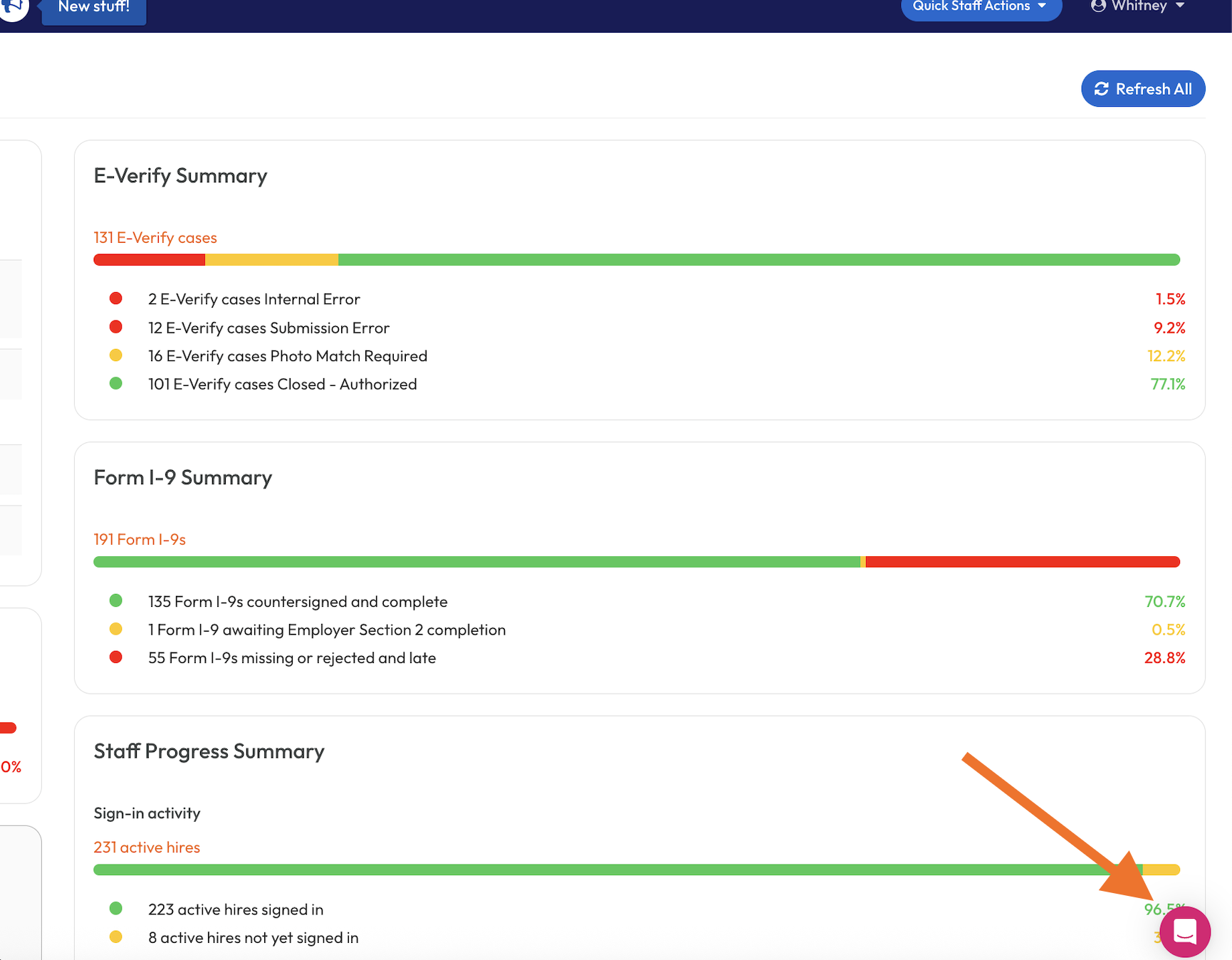
1. Click the pink Chat icon in the lower right corned of any page:

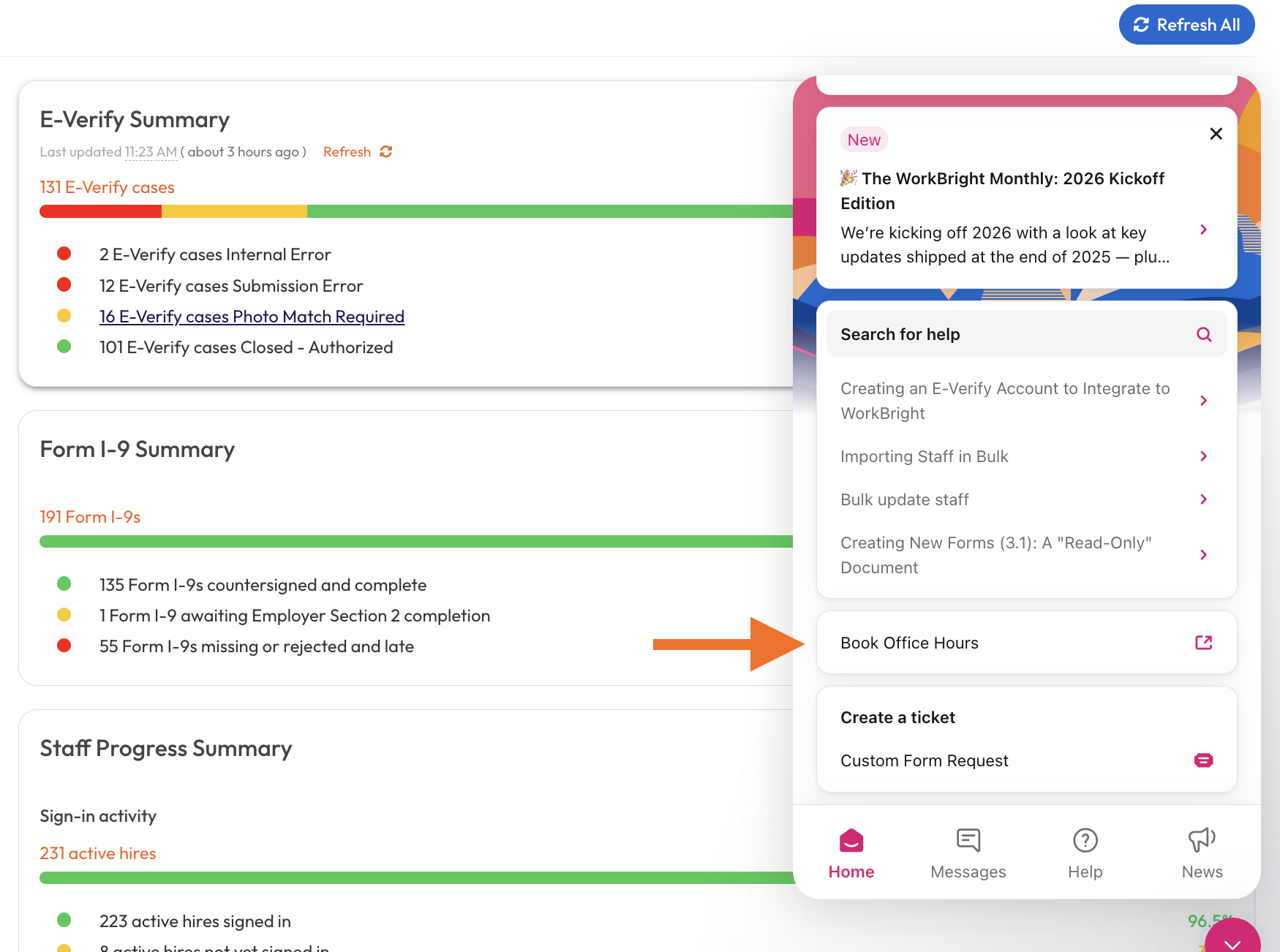
2. You can either select ‘Book Office Hours’ on the home page of the help center:

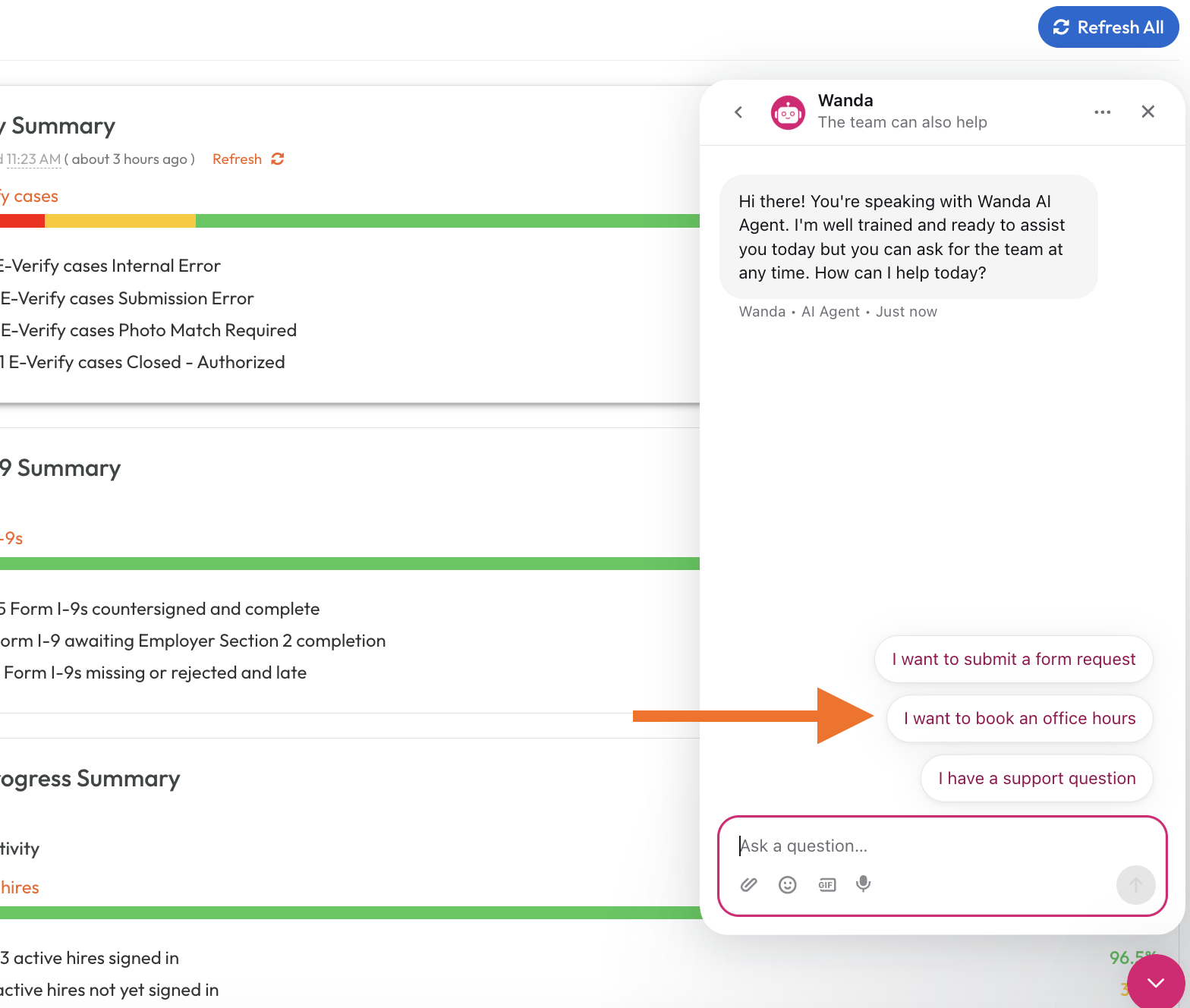
or you can start a conversation and select this menu option:


3. Simply follow the link provided to view our available times and book a meeting! You will receive a confirmation e-mail after booking.